Try Canva — Palette with measured contrast, exact sizes and copy that fits now, no sign-up needed
Canva — Palette with measured contrast, exact sizes and copy that fits · The palette with measured contrast, exact dimensions and text that fits
For people who design their own posts in Canva without being designers. This is not an editor or an alternative: it's the pieces and numbers the editor doesn't give you and that you have to put in yourself. The contrast ratio of every color pair, the exact width and file size of every image, and how many characters really fit in your text box. The server calculates it and measures it by rereading the file; nobody estimates it by eye.
In the features that use AI, responses are generated by artificial intelligence and are not a substitute for professional advice.
Discover every feature in detail
Free Color Palette Generator in OKLCH
Generate a palette of 4 colors from a hex: 5 harmonies calculated in OKLCH, hex codes, RGB, HSL, and OKLCH for copying, ramps from 50 to 900, and contrast on white. Free and no registration.
Try it free
50-900 Hue and Shade Generator for Any Color
Ten ramp steps from 50 to 900 per color, calculated in OKLCH with descending lightness and intact hue: light tints and deep shades with their hex, RGB, HSL, and OKLCH codes. Free and no registration.
Try it free
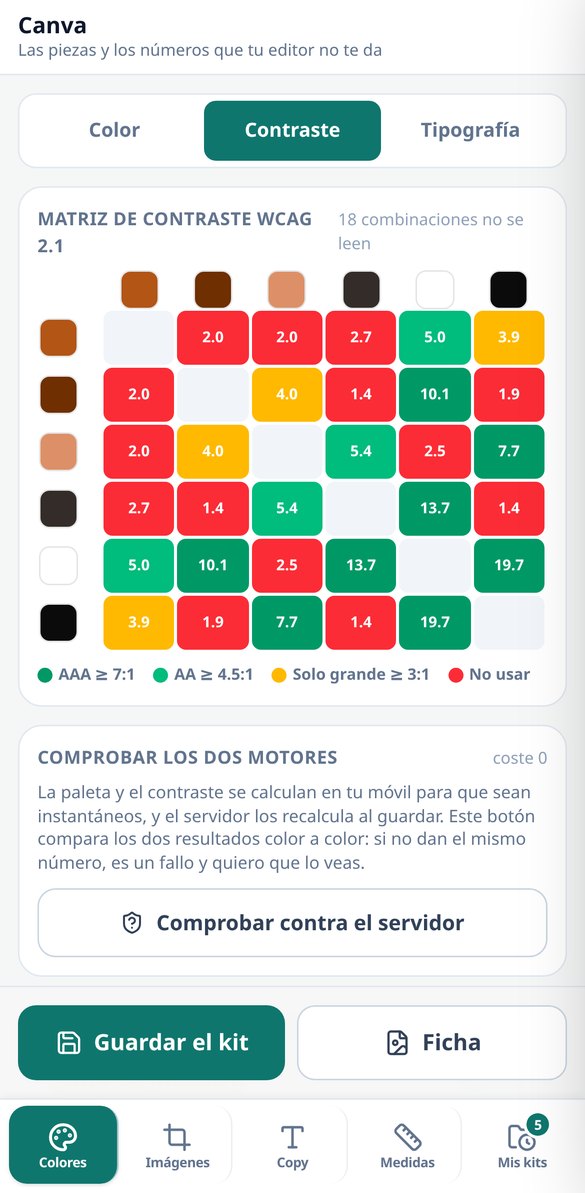
WCAG 2.1 Contrast Checker: your entire palette, 30 pairs
Check the contrast of your entire palette at once: 30 pairs of text on background with the exact ratio and the verdict AAA, AA, large text only, or do not use. With a real swatch and one-touch fixes. Free and no registration.
Try it free
Fixing the contrast of a color: auto-fix in OKLCH without changing the hue
Your text is unreadable against the background and you don't know how much to lighten it. This auto-fix calculates the closest color that reaches 4.5:1 by only adjusting the OKLCH lightness, and applies it to the ramp step. Free and no registration.
Try it free
Google Fonts typography combinations with free license
Ten pairs of Google Fonts with their cited free license (OFL 1.1 or Apache 2.0), official link, and the exact name to copy. No registration.
Try it free
Image sizes for social media, with recommended file size
Fifteen canvas sizes for Instagram, TikTok, YouTube, LinkedIn, X, Facebook, Pinterest, and WhatsApp, each with its ratio, format, and the file size in KB below which the platform does not recompress. Free and no registration.
Try it free
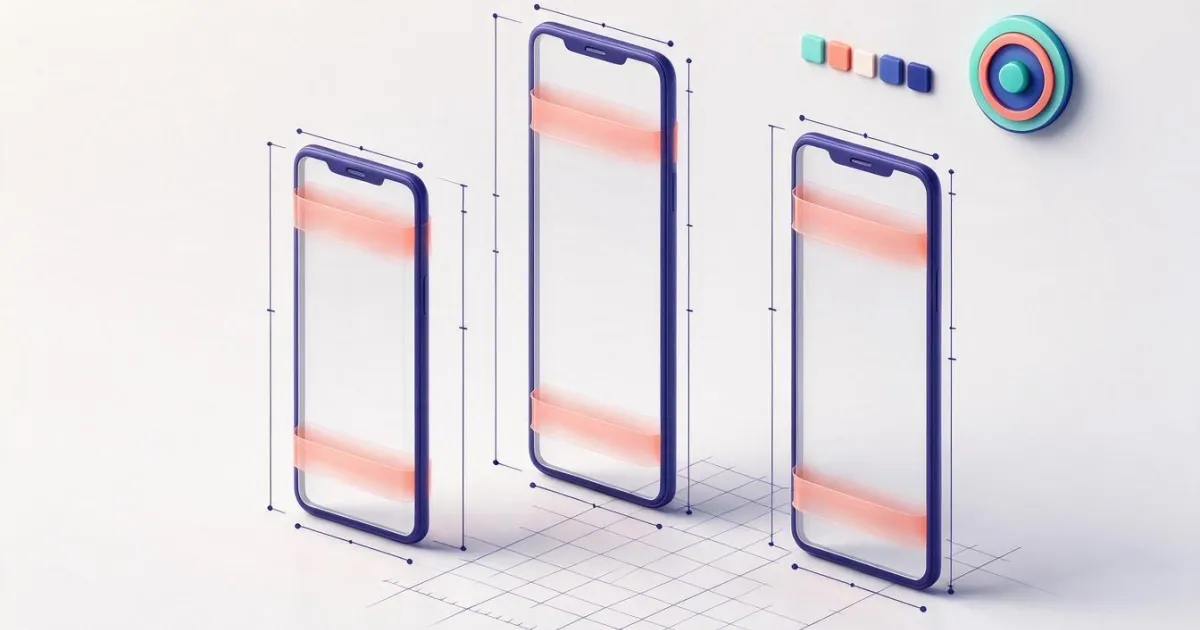
Safe zones for TikTok, Reels, Shorts, and Instagram over your image
Safe zone viewer: overlay the stripes that cover the TikTok, Reels, Stories, Shorts interface, the Instagram grid, and the LinkedIn cover onto your photo, with a safe zone rectangle and opacity slider. Free and no registration.
Try it free
Fill the edges of an image without black bars or distorting it
Change a photo's format without black bars: fill in the missing parts with its own blurred background, mirrored edges, or a solid color, or crop to ratio. 15 sizes for nine platforms, no registration.
Try it free
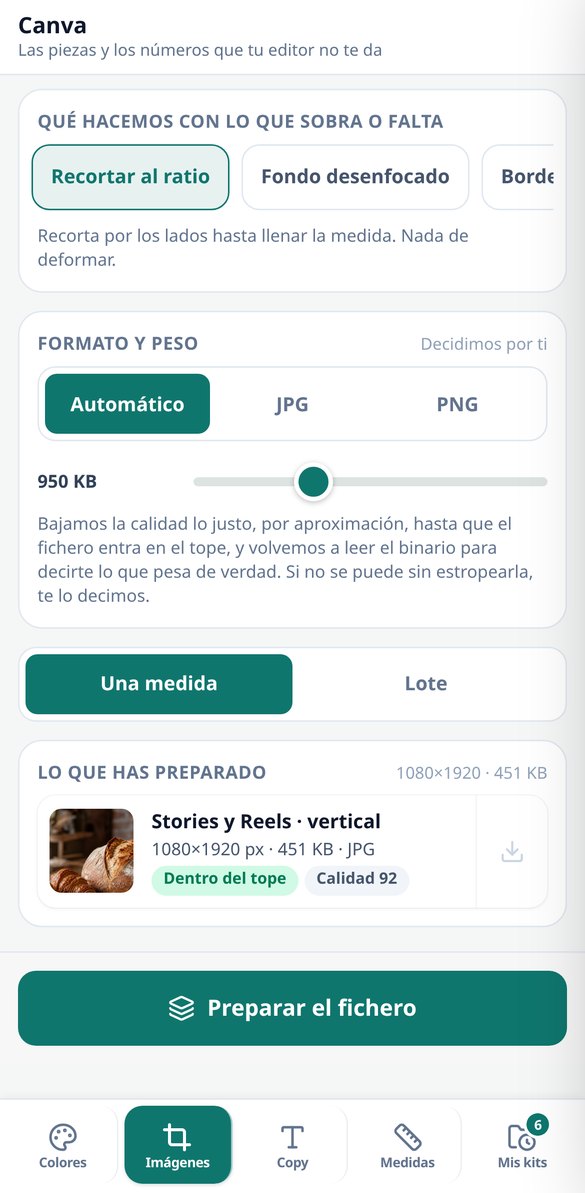
Compress an image to a specific weight in KB, measured in the file
Set a target weight in KB and the server iterates the quality up to eight times to provide the highest that fits, and re-reads the binary to measure it. If the target is impossible, it will notify you. No registration.
Try it free
Template with grid and safe zones for download in PNG
Download a PNG in the exact size for Instagram, TikTok, Reels, Shorts, or LinkedIn with the rule-of-thirds grid, safe zone, and bands covered by the interface already drawn. Free and no registration.
Try it free
How many characters fit in a headline: box width measurement in px
Enter the box width in pixels, font size, and lines: the server rasterizes your text, measures the actual inked pixels, and tells you how many characters fit, with traffic-light status and overflow pixels. Free and no registration.
View feature
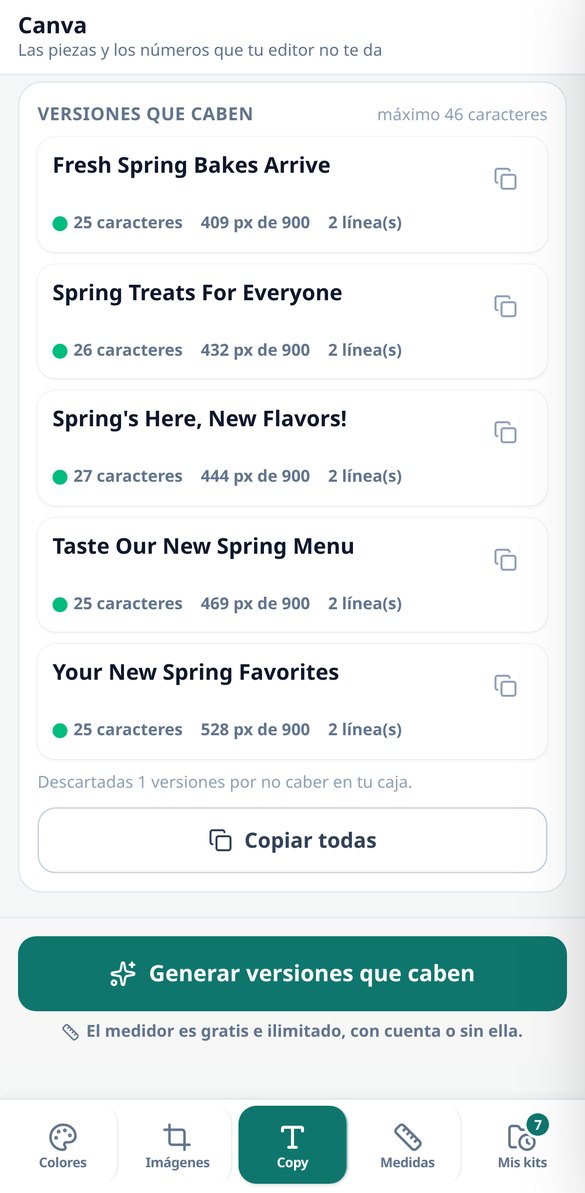
Headline generator that fits in your text box, measured in px
You specify the width of your text box and the font size: the AI writes headlines, subtitles, or buttons within that limit and the server measures each version and discards the ones that exceed it. Up to five options with their characters and pixels.
View featureThe server calculates the numbers; nothing is estimated by eye
均衡飲食所需的一切。
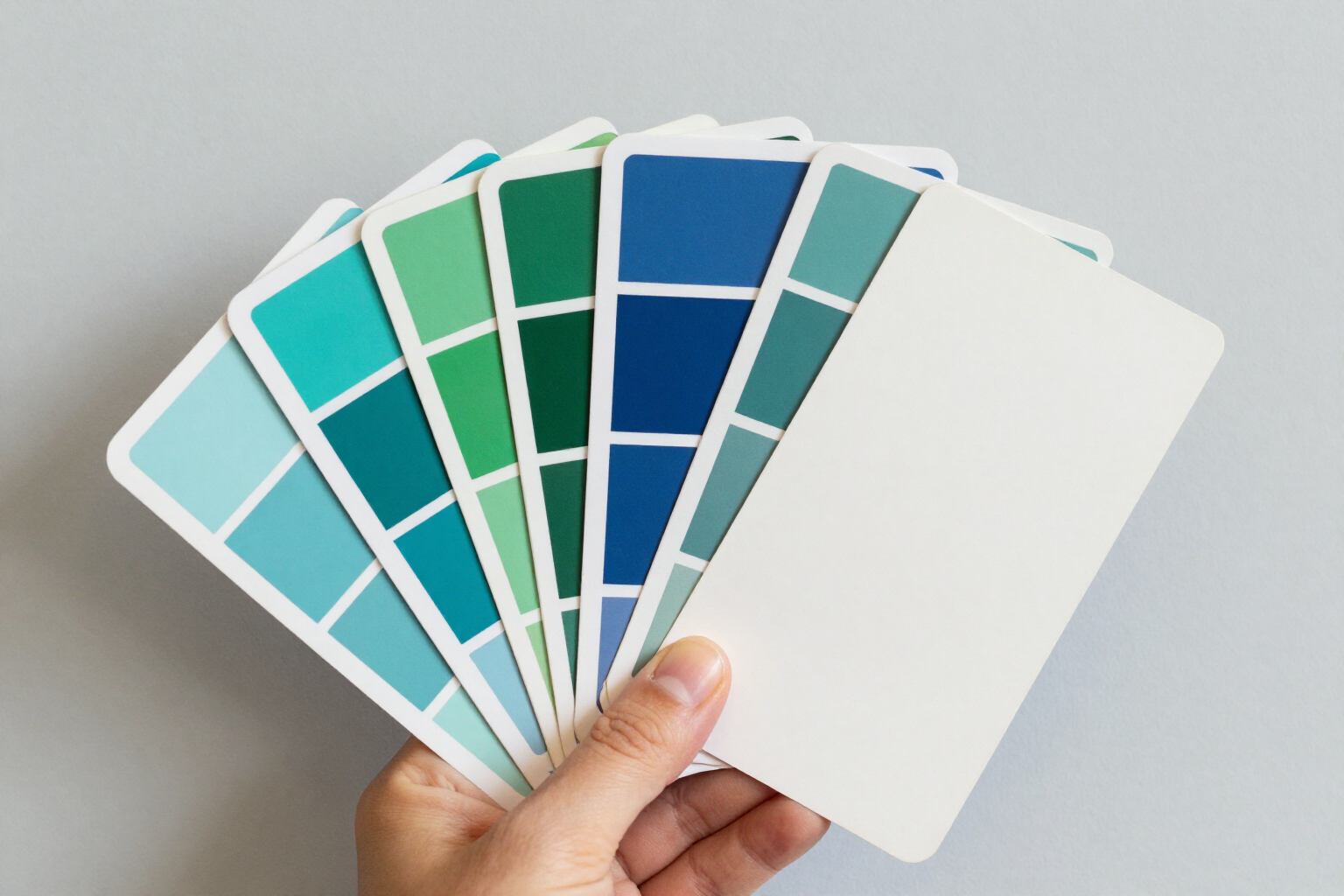
Accessible palette with the contrast of every pair already calculated
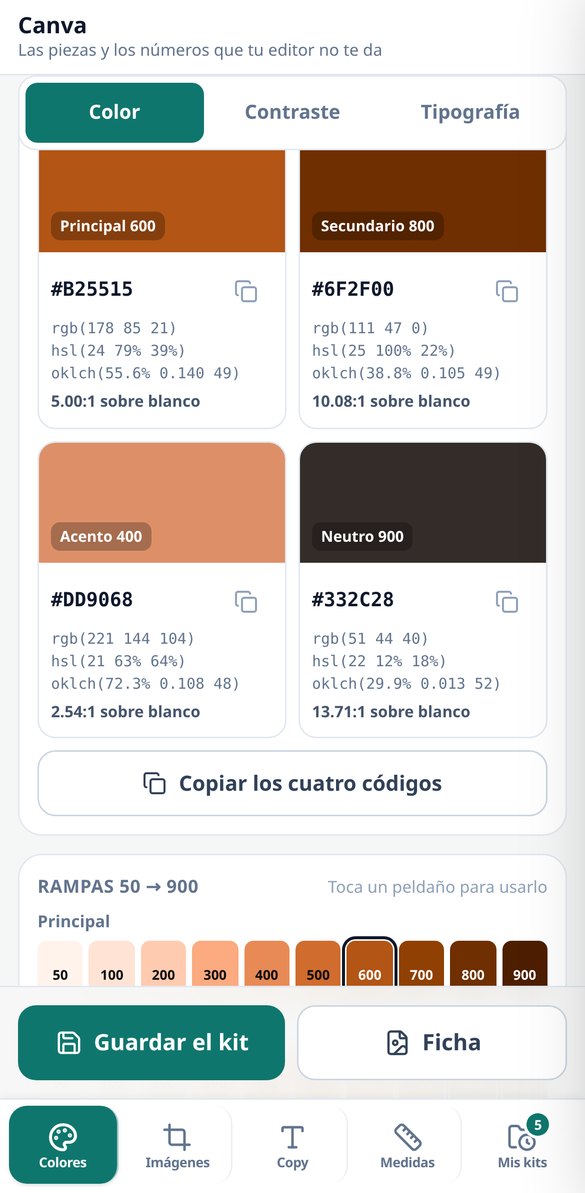
You enter a starting color in hex and the app builds the entire kit in OKLCH: 5 harmonies (analogous, complementary, triadic, split-complementary and monochromatic), a neutral that ties in with the brand and ramps of 10 steps from 50 to 900 for the 4 roles, 40 swatches with lightness always descending and the gamut corrected by lowering only chroma, never hue. On top of that, the contrast matrix: 30 text-on-background pairs with their WCAG 2.1 ratio and usage verdict, with the 4.5:1 threshold for normal text and 3:1 for large text (from 24 px) and for UI elements. Anything that doesn't pass is flagged, and the one-tap fix is calculated by the server, which moves only lightness and translates it to the nearest step of the ramp that does pass, so the kit stays coherent. It includes simulation of the 4 types of color blindness on your own palette and a button that requests the palette from the server and compares it color by color with the browser's, so you can check that both engines give the same number. The palette, matrix, fix and color blindness simulation are free and unlimited; saving the kit and downloading the style guide as a 1600x2460 PNG requires an account.
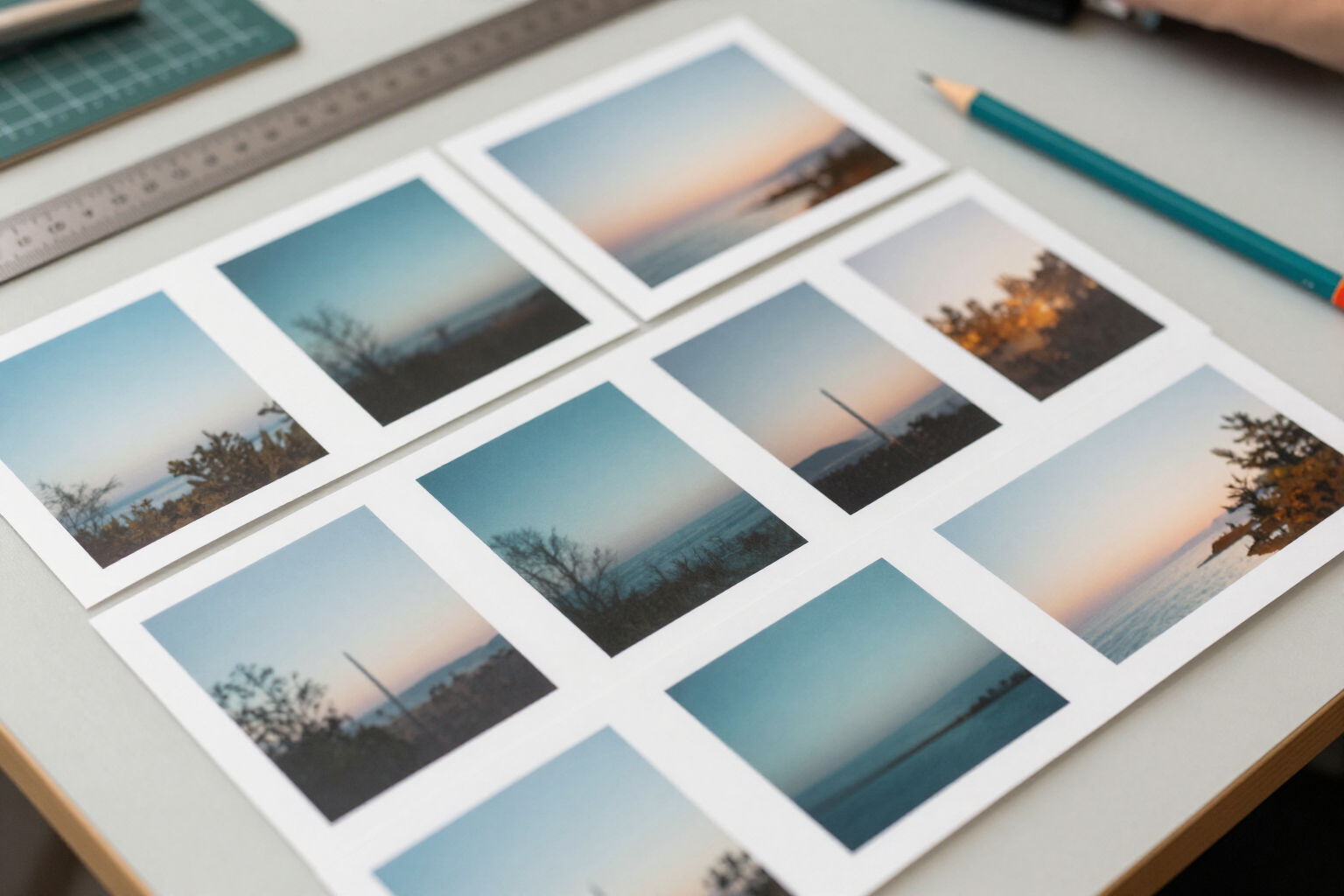
Images at the exact dimensions and file size, measured in the file
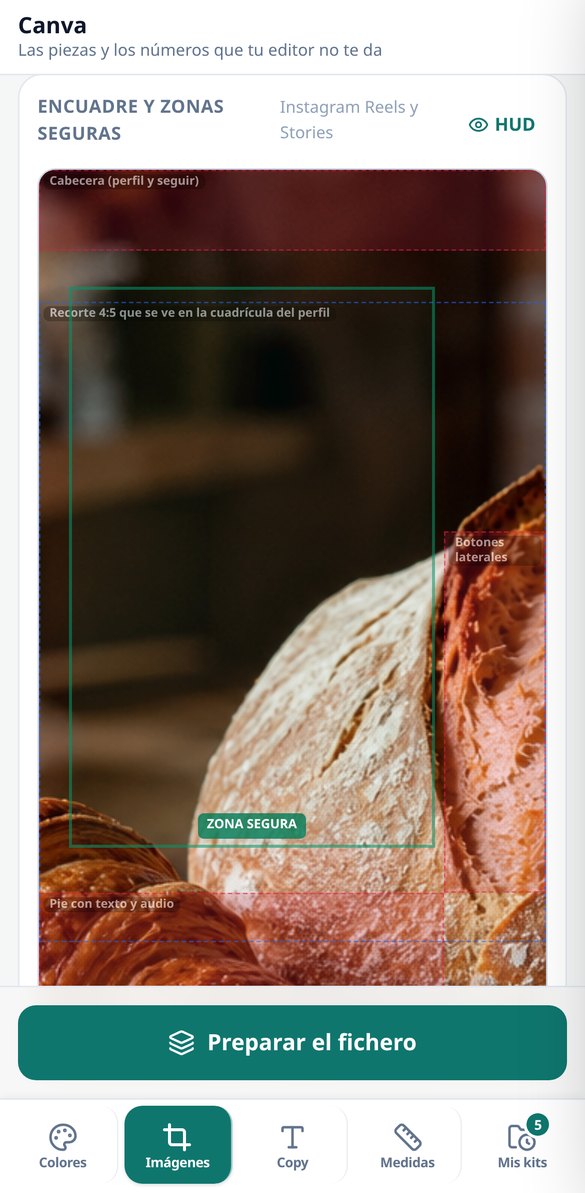
15 presets across 9 destinations —Instagram, TikTok, YouTube, LinkedIn, X, Facebook, Pinterest, WhatsApp and brand— with the real safe areas for TikTok, Reels, Shorts, the Instagram grid and the LinkedIn cover drawn on top, so the app's interface doesn't cover your own text. You frame with your fingers (pinch, drag, double tap) and the preview is free and unlimited on your phone; the server composes the file with sharp. When there isn't enough canvas, you have 4 options instead of black bars: crop to the aspect ratio, blurred background, mirrored edges or solid color. And the target file size: the server bisects quality over up to 8 passes looking for the highest quality that fits in the kilobytes you asked for and rereads the binary to measure it, so what it says it weighs is what it weighs; if the target is impossible, it delivers the lightest file it achieved and tells you so instead of pretending. Output in JPG or PNG, with the alpha channel preserved if it had one or replaced with solid color, a batch of one image into up to 8 sizes at once and a downloadable PNG template with the rule-of-thirds grid and safe areas to assemble it in your editor. There is never a watermark. Guests can prepare 3 files per day; the batch ZIP with the dimensions noted requires an account.
Fonts with their license and a headline that really fits
10 already-paired font pairs (headline + body) with 20 open-license families, each with its license cited —18 under SIL OFL 1.1 and 2 under Apache 2.0— and its official download link, plus 4 modular scales (1.2 · 1.25 · 1.333 · 1.618) that give you the six sizes with their line height and warn you if you go below the minimum readable size on mobile. And the measurer, which is the feature nobody else has: you specify your box width in pixels and the font size, and the server rasterizes the text and crops to the actual ink to tell you how many characters fit —counted by graphemes, so a composite emoji counts as one character, not four. It's free and unlimited. The headline generator is the only thing in the whole app that uses artificial intelligence, and it's kept on a short leash: it requests 6 options, measures them all with that same measurer and discards the ones that overflow before they reach your screen, up to a maximum of 5 valid ones ordered by width. You will never see text here that doesn't fit. Honesty about the limit: Google Fonts families are not installed on the server, so each one declares its metric class and is measured with an equivalent family that is installed. It's the real measurement of a real render of an equivalent metric, and the app says so on screen.
From your color to the measured asset in three steps
註冊
幾分鐘就能建立帳號,與你的營養師聯繫。
交談
開啟聊天,提出你對飲食的疑問。
獲得諮詢
立即獲得個人化的解答與建議。
Frequently Asked Questions
Latest blog articles
Guides and news to get more out of it
Instagram Dimensions 2026: the feed changes to 3:4 and how to reframe your pieces without losing text or faces
Instagram prioritizes the 3:4 feed (1080x1440). Current 2026 dimensions piece by piece, safe zones in pixels, and how to reframe without losing text.
AI-generated images for social media: the dimensions, weight, and contrast to check before publishing
What to check before publishing an AI-generated image: aspect ratio and safe zone for each network, maximum weight, WCAG contrast 4.5:1, and headline characters.