Try LinkedIn — Covers with safe zone, headline and About section, PDF carousel and posts now, no sign-up needed

LinkedIn — Covers with safe zone, headline and About section, PDF carousel and posts · Banners, headline, carousel and posts: what decides whether they buy from you
For people who sell their services on LinkedIn, not for people looking for a job. Here you prepare the banner strip that actually shows, the headline and the "About" section counted character by character, the carousel as a PDF and the posts with the hook in the first two lines. It doesn't connect to your account, doesn't publish for you and doesn't read anyone's profile: you copy and paste.
In the features that use AI, responses are generated by artificial intelligence and are not a substitute for professional advice.

你是否常常明明骰子已經擲出,卻移錯了棋子而輸掉?
在 Ludo 裡,骰子是運氣,但走法是決策。你有 4 顆棋子、對手有 12 顆在棋盤上,有些走法讓你暴露在 42.1% 的風險下,有些則讓你零風險,而憑肉眼是分辨不出來的。這個工具替你計算:你擺好局面,點選你的擲骰,就能得到走法排名,附上吃子風險、你的吃子機率,以及一句說明原因的話。引擎是確定性的,並在你的手機上運行,因此相同的局面永遠給出相同的建議。
See the tools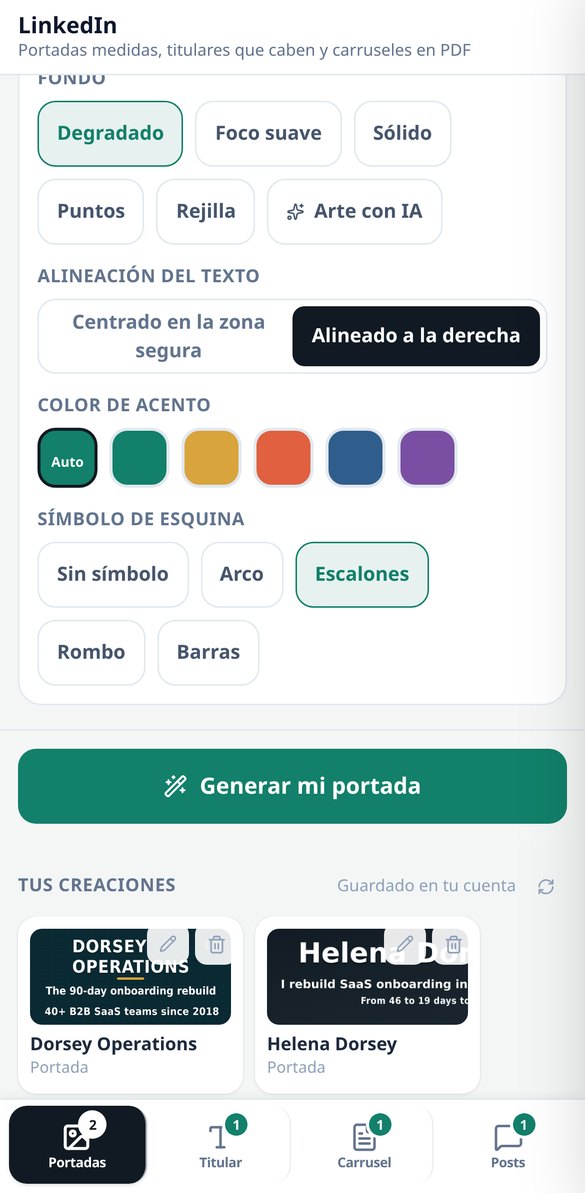
Discover every feature in detail

LinkedIn Cover 1584×396: safe zone and measured contrast
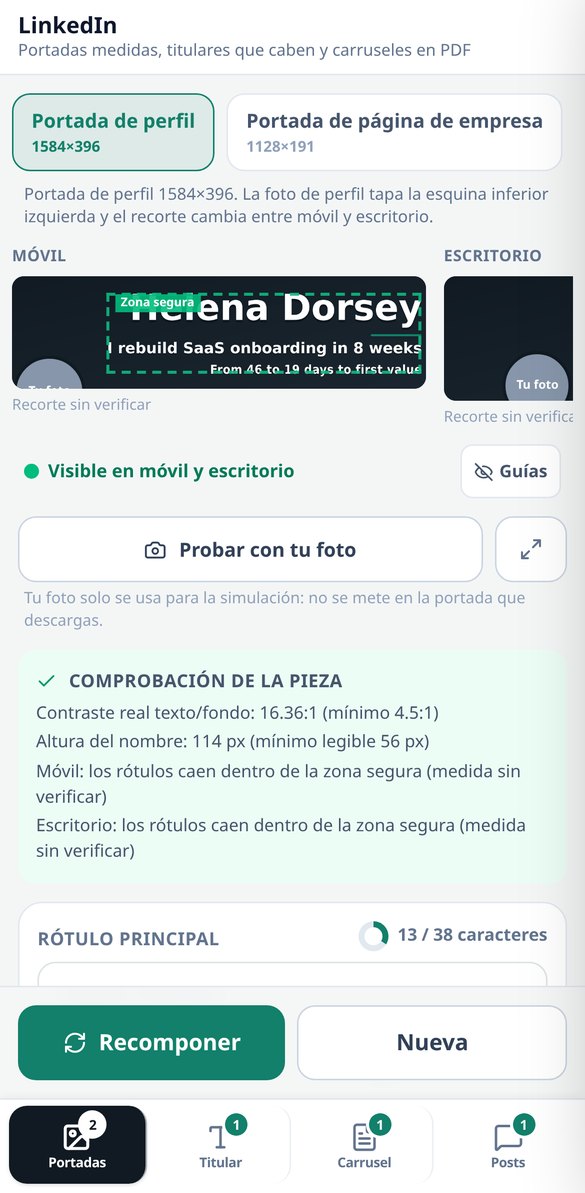
Create your LinkedIn profile cover at 1584×396 px with the safe zone of 1010×258 outlined, the label composed on the server, and the contrast measured on the final image (threshold 4.5:1). Five backgrounds without AI and free to start.
Try it free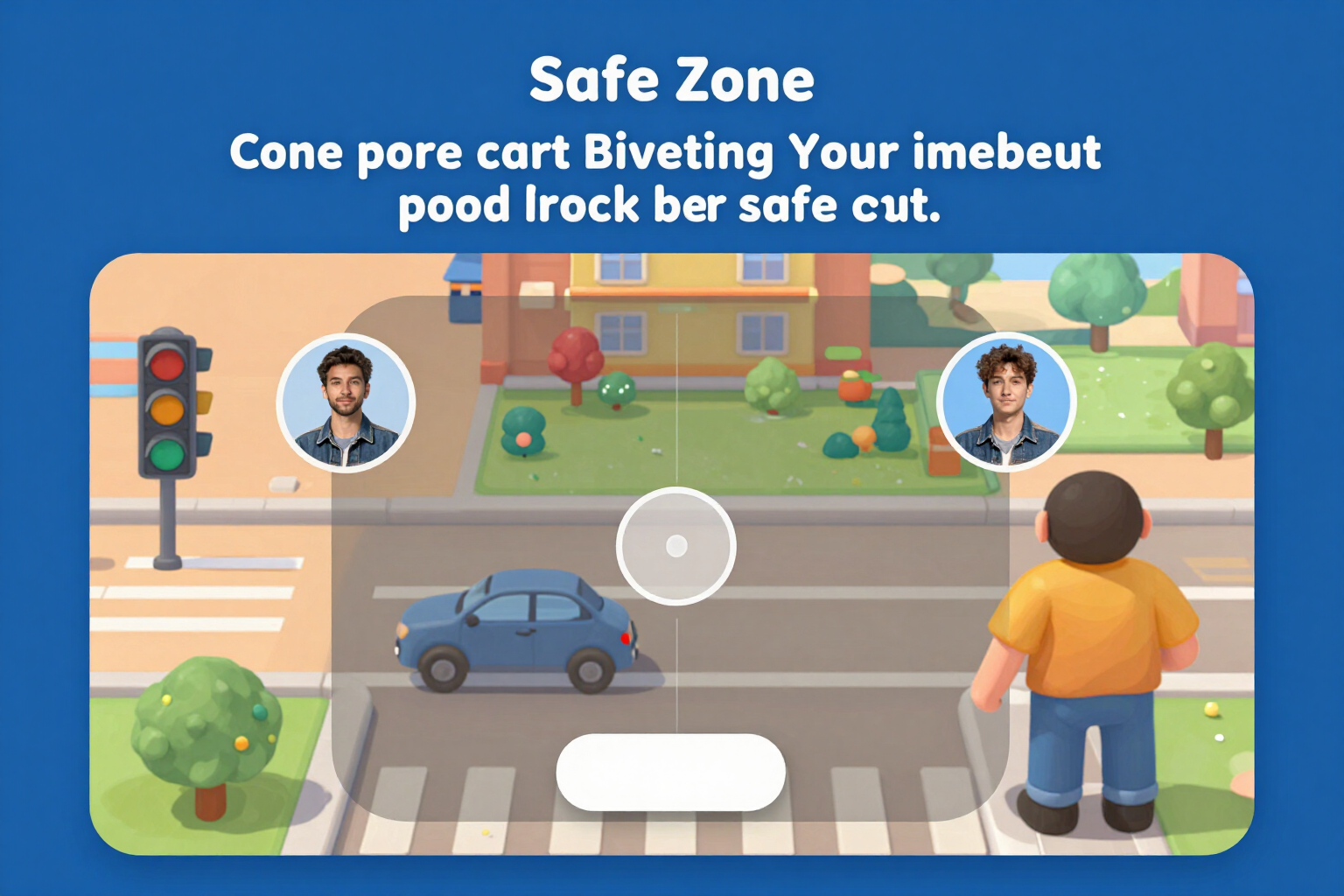
LinkedIn Cover Simulator: how it looks on mobile and desktop
View your LinkedIn cover on both cuts at the same time, to the same scale, with the profile picture circle in its real position and the safe zone marked. Three-state traffic light and button to center. Free and no registration.
Try it free
LinkedIn Company Page Cover: 1128×191 and safe area
Create your LinkedIn company page cover at 1128×191 px with the logo space deducted, the safe area of 780×140 drawn, and the contrast measured on the final image. Simulation on mobile and desktop, five backgrounds without AI, and free to start.
Try it free
LinkedIn Headline Generator: formulas and a 220-character counter
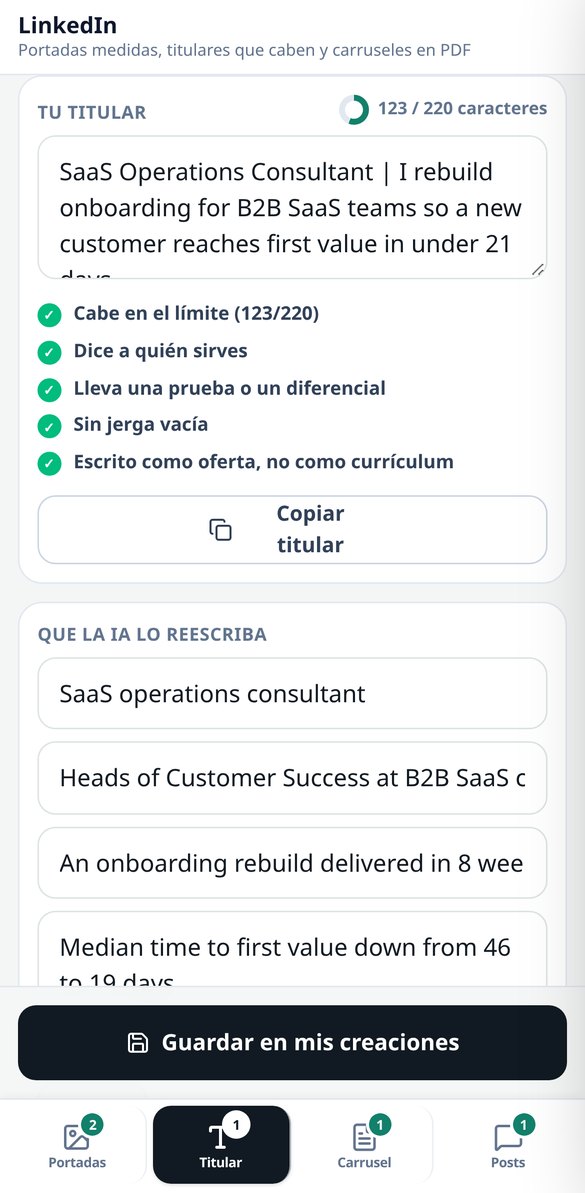
Create your LinkedIn headline with five fillable formulas, a character counter that counts emojis as 1, and five checks (audience, test, jargon, tone). Free, no registration, and no AI spending.
Try it free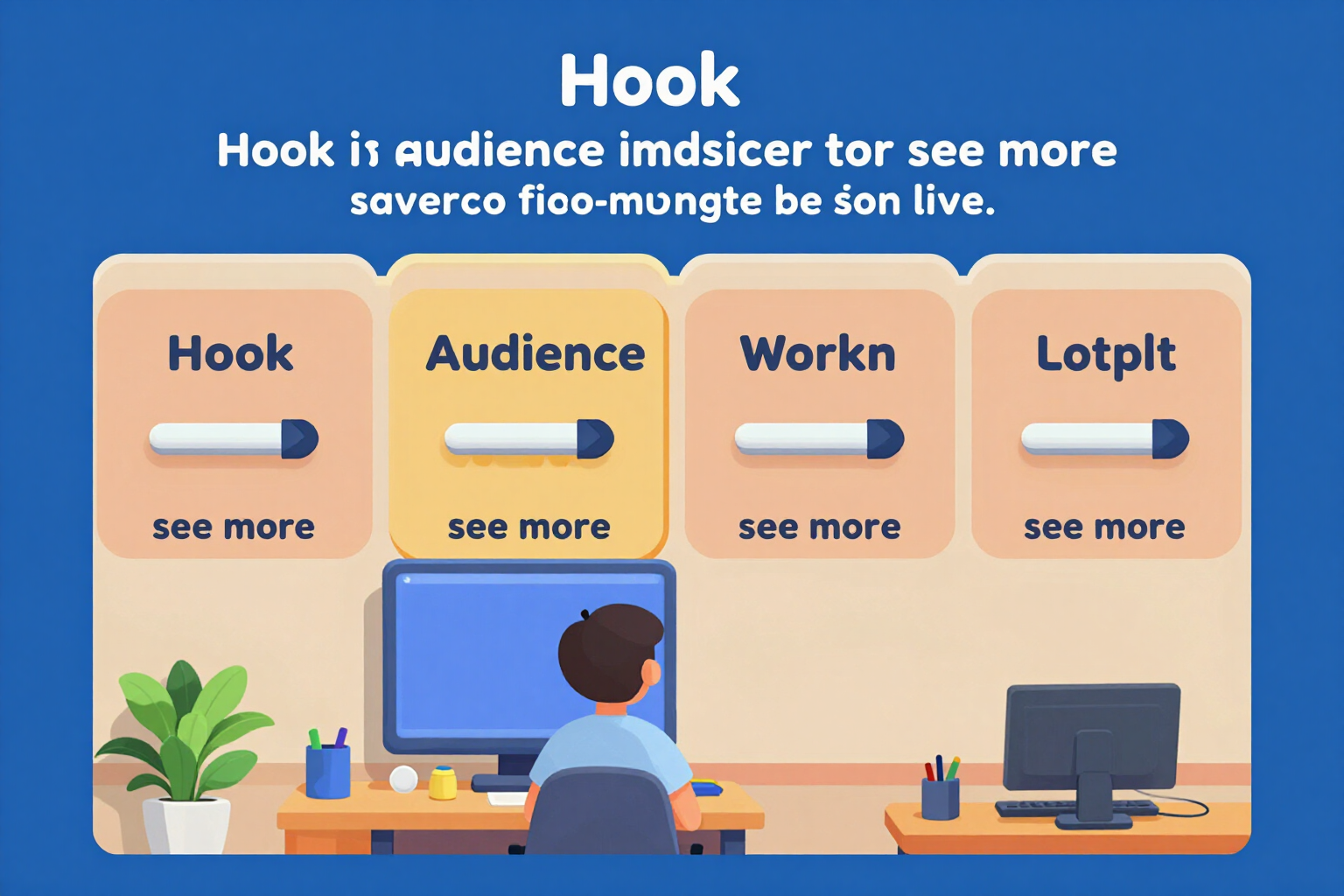
'About' for LinkedIn: block template and 'see more' cut-off
Write your LinkedIn 'About' in five blocks with its own counter, structure validator, and the 'see more' line drawn where it actually cuts off (the first two lines or 275 characters). Free, no registration, and no AI usage.
Try it free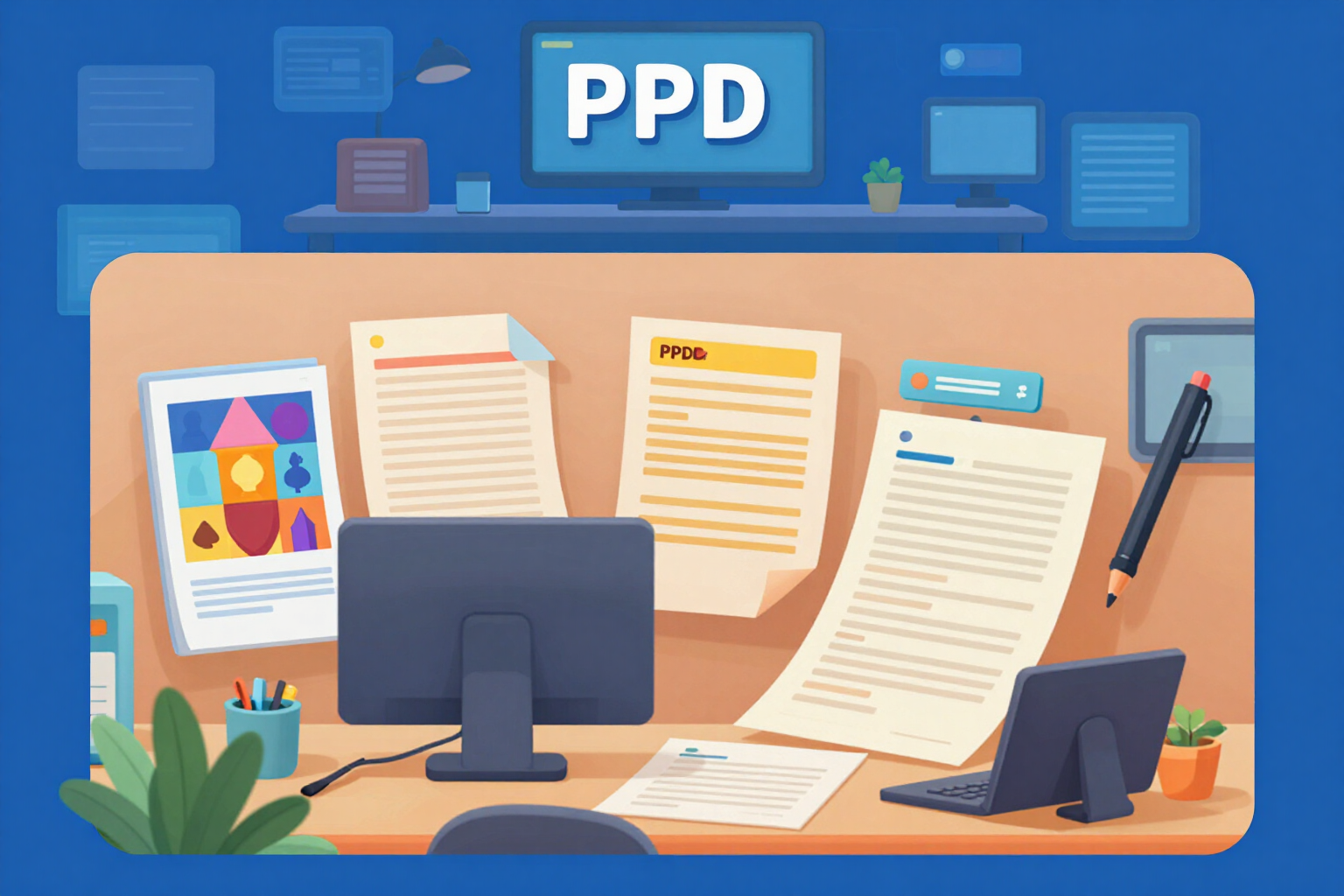
Create LinkedIn carousel in PDF: 1080×1080 or 1080×1350, from 5 to 12 pages
Generate the LinkedIn carousel as a real PDF document: cover, 3 to 10 numbered slides, and closing, in 1:1 (1080×1080) or 4:5 (1080×1350). The text is adjusted by measuring each box, and the PDF is verified by counting its pages before delivery.
Try it free
Hooks for LinkedIn posts: two alternatives and the 'see more' cut at 210 characters
Write your LinkedIn post in five formats and receive TWO alternative hooks for the first two lines, with the 'see more' cut drawn over the editable text. Characters counted by graphemes and a filter that eliminates interaction bait and notifies you.
Try it freeFour tools, and the AI doesn't set the measurements
三合一的工具,都把數字擺在眼前:走法教練、判斷是運氣不好還是失誤的診所,以及可直接貼到 WhatsApp 的朋友賽事。

Banners: the strip that's visible, simulated before you generate
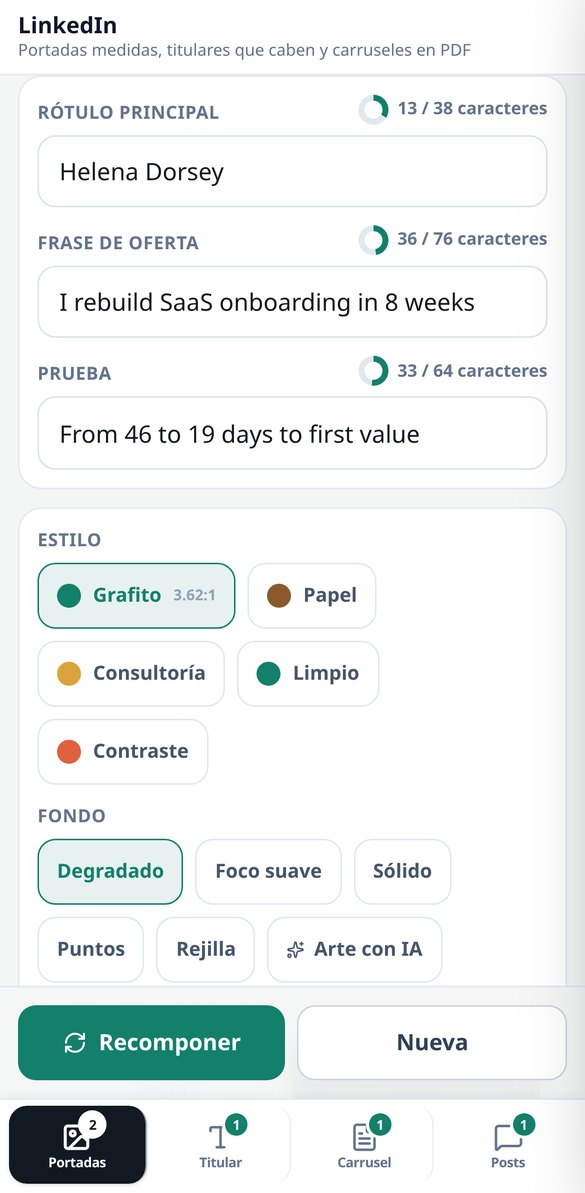
The 3 profile assets with their dimensions: profile banner 1584×396, company page banner 1128×191 and featured image 1200×627. Each one is drawn in its 2 crops (mobile and desktop, at the same scale) with the safe area marked and the profile photo circle overlaid, so you see what's going to get lost before you spend anything. 5 styles, 5 server-composed backgrounds — linear gradient, radial gradient, solid, dots and grid —, 2 alignments and 4 pictograms; with those backgrounds the asset comes out with zero AI calls. The label is written by sharp by measuring the real ink box, and if it doesn't fit even at the minimum legible size, the app tells you how many characters are over instead of shrinking it until it can't be read. The contrast in the safe area is measured for real (WCAG luminance on the already-composed image, threshold 4.5:1) and, if it falls short, a veil is applied and it's measured again. Changing style, accent, alignment or labels recomposes without paying for the art again. The photo you upload is only used in the simulation: the file you download comes out clean.

Headline and "About": counted for real, free and with no sign-up
Real grapheme counter with Intl.Segmenter — one composed emoji counts as 1 — against the catalogue's limits: 220 in the headline and 2,600 in "About", with the "see more" line drawn at 275 characters, which is where it cuts. 5 curated headline formulas with fill-in-the-blank slots, an "About" skeleton in 5 blocks (hook, who you serve, how you work, proof and call to action) and a validator with 5 checks on each piece, including 23 jargon terms and a warning when you're writing like a candidate instead of like an offer. All of that happens in your browser: not a single network request, no sign-up, no cost. If you want the rewrite, a single AI call gives you 3 headlines, the "About" section in blocks and up to 3 job descriptions rewritten in terms of service, and the server validates them with the same counter before handing them over.

Carousel as a PDF and posts with a hook, no engagement bait
The carousel is delivered as a real PDF — the native document format — in 1:1 (1080×1080) or 4:5 (1080×1350), with a cover, 3 to 10 body slides and a closing slide, over 4 script structures. The body is fitted by measuring the text with the document itself, not with heuristics, so it doesn't overflow; and before handing it over, the app downloads the file again, checks the %PDF- header and counts the pages with pdf-lib: if it doesn't match, it pulls it. It comes with a server-composed PNG thumbnail, and re-editing the script and laying it out again doesn't cost another AI call. For posts: 5 formats, 2 alternative hooks for the first two lines with the "see more" cut drawn live, 3 suggested contribution comments and 4 tones. Engagement bait ("comment YES and I'll send it to you") is stripped even if the model writes it, and the app tells you it's been removed.
From idea to asset in three steps
擺好你的棋盤
選擇你的顏色,點選格子來放置你的棋子,以及對你構成威脅的對手棋子。不必放滿 16 顆:只要有附近的威脅就夠了。如果想走捷徑,可以上傳對局截圖,由視覺模型讀取;你只需在分析前修正不對的地方。
點選你的擲骰
點選你擲出的骰子點數。沒有分析按鈕:排名會自動出現。如果你連擲出 6,可以疊加起來,引擎會規劃完整序列(並在三連 6 使回合作廢時提醒你)。如果還沒擲骰,逐骰計畫會針對六個點數各給你最佳走法。
在清楚風險下行動
你會看到建議走法、兩個替代方案,以及逐一對手的吃子機率明細。套用走法後,棋盤會前進到下一回合,所以下回合不需要重新擺放任何東西。回來時,應用程式會從你離開的地方繼續對局。
Frequently Asked Questions
Latest blog articles
Guides and news to get more out of it

LinkedIn downgrades posts that sound like AI: what it considers 'generic content' and how to write without losing reach
LinkedIn downgrades generic posts with classifiers at 94% accuracy since October 2026. What reveals an empty post and how to write without losing reach.

Why Your Reach on LinkedIn Decreased in 2026 (and What the Algorithm is Looking at Now)
On November 9, 2026, LinkedIn detailed its Profile Relevance model: matching each post with the reader's profile. Data on the decline, formats that retain, and what to change.
Get your profile ready before you upload another cut-off banner
設置棋盤,擲骰子,然後在清楚知道風險的情況下行動。免費、免註冊、免安裝。