Try Twitch — Channel kit: avatar, banner, emotes, badges and panels now, no sign-up needed
Twitch — Channel kit: avatar, banner, emotes, badges and panels · Your whole channel decked out, at the sizes Twitch accepts
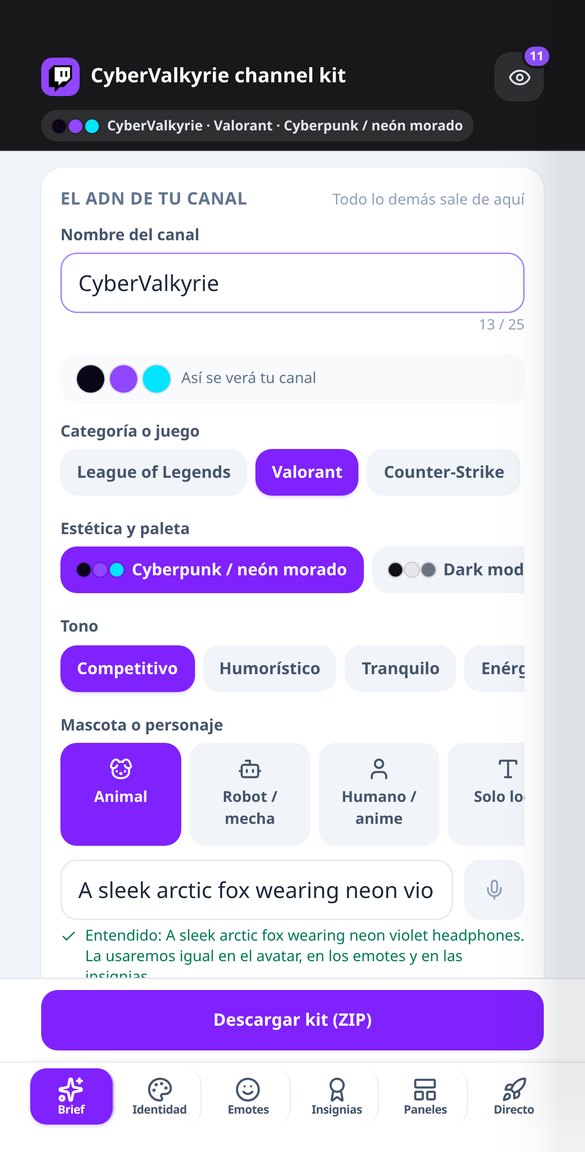
Describe your channel once —name, game, look, tone, and mascot— and walk out with the avatar, banner, offline screen, live screens, emotes in all three sizes, badges under 25 KB, and your panel copy, ready to upload.
In the features that use AI, responses are generated by artificial intelligence and are not a substitute for professional advice.

Você mantém uma sequência há meses… e onde está seu material de estudo?
Um aplicativo de idiomas oferece aulas, mas não deixa nada nas suas mãos: nem uma lista de vocabulário para revisar no Anki, nem uma ficha de gramática para fazer a lápis, nem uma leitura do seu nível sobre algo que você tenha interesse. Aqui você escolhe o idioma de estudo (inglês ou espanhol), seu próprio idioma, nível A1–C1 e tema, e em um minuto tem o arquivo para baixar. O vocabulário e a gramática vêm de um catálogo próprio de 240 exercícios e mais de 350 lemas: a inteligência artificial só redige traduções, frases de exemplo e leituras sobre esse esqueleto, e você revisa antes de exportar.
See the tools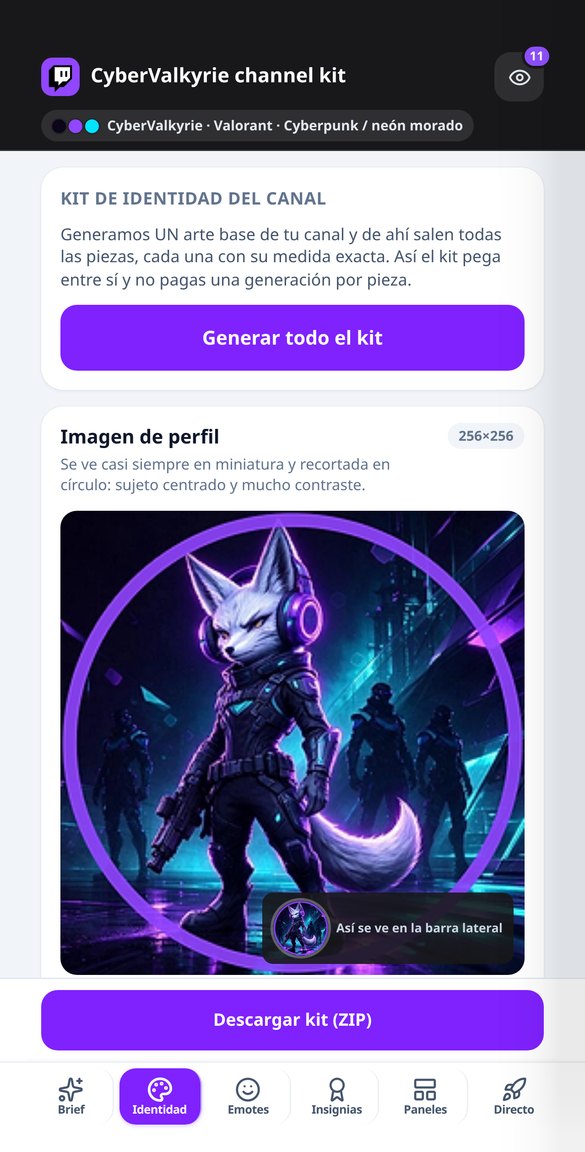
Discover every feature in detail
Twitch Banner 1200x480: Template with Safe Zone and Visible Text
Create your exact 1200x480 Twitch profile banner, with your name in real typography within the safe zone and desktop and mobile masks that show what covers the avatar and buttons. Free and no installation required.
Try it free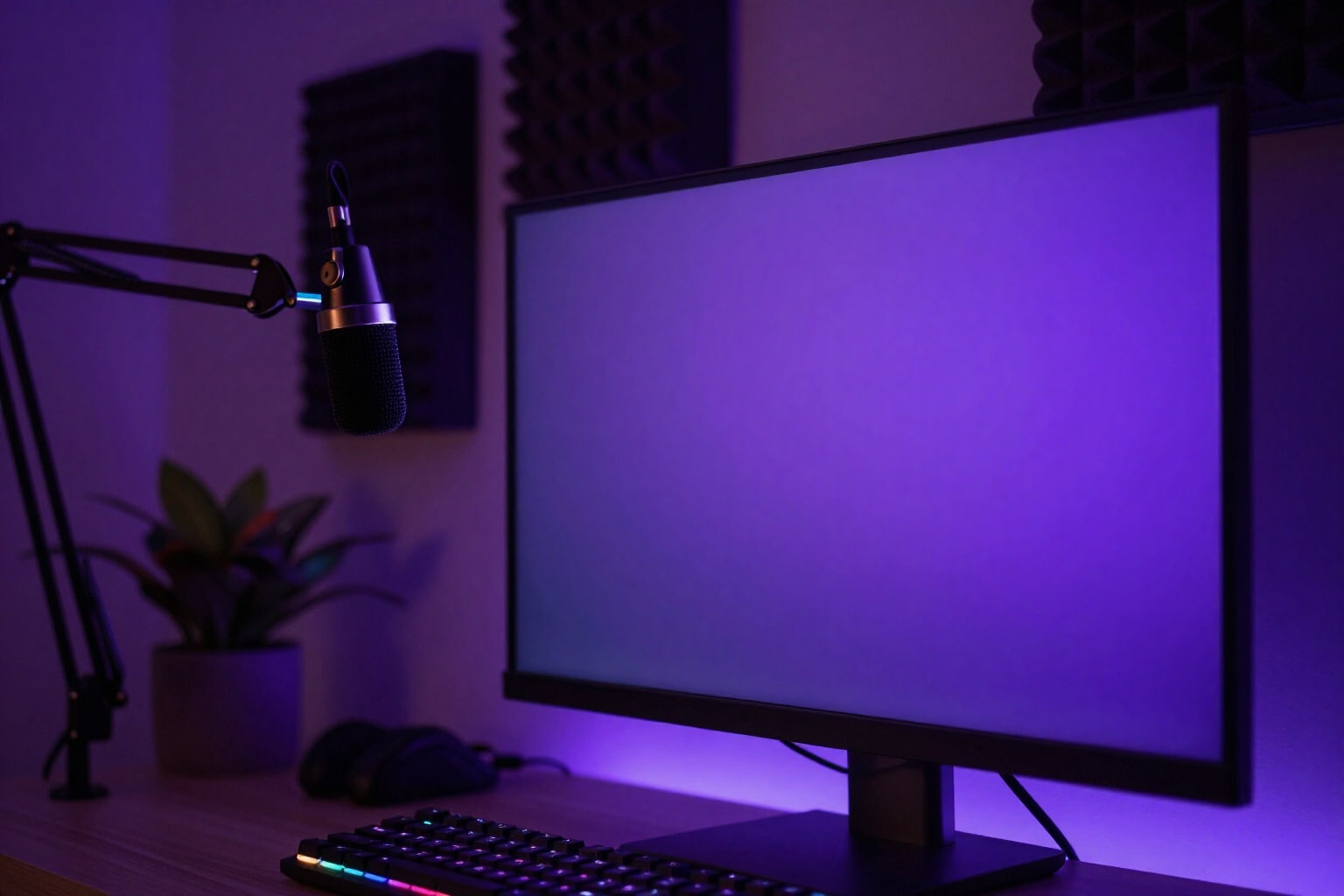
Twitch Offline Screen 1920x1080: Schedule and Social Media Included
Create your Twitch offline video image at an exact 1920x1080, with the title in your channel's language, your schedule and social media in real typography, and the player controls mask in the preview. Free and no account connection required.
Try it free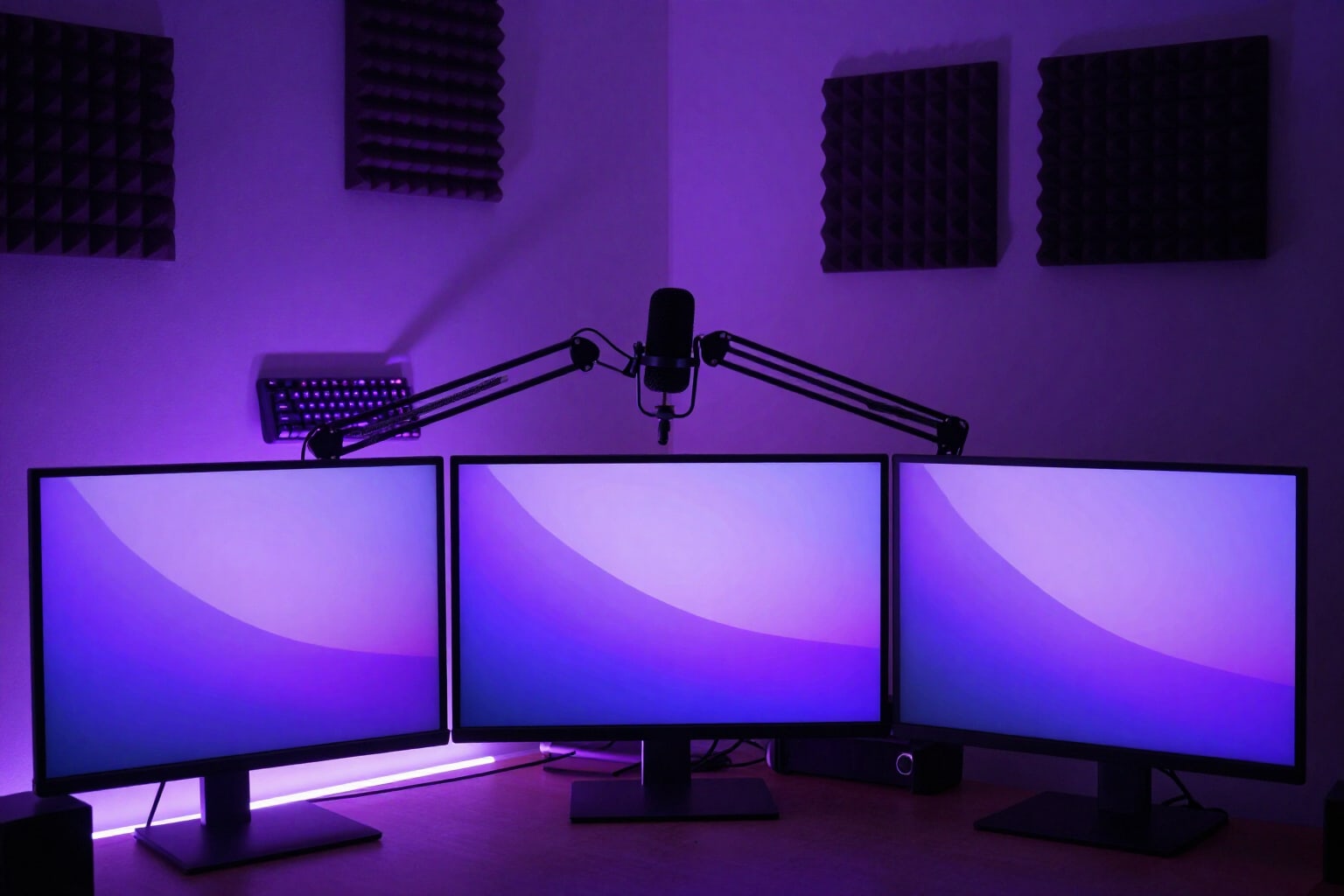
Screens for OBS: Starting Soon, Pause, and End at 1920x1080
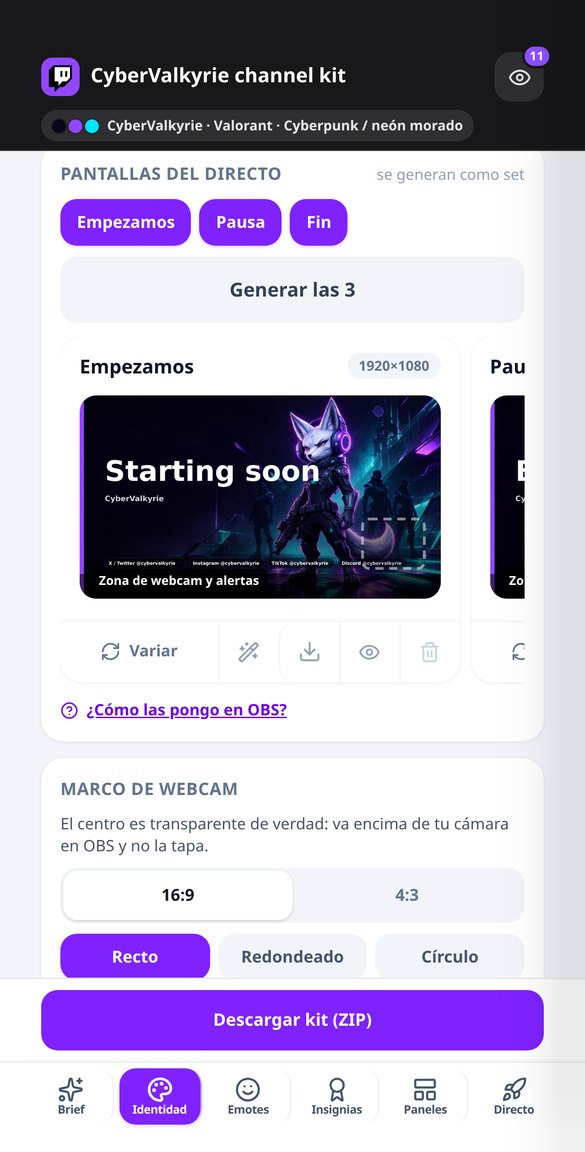
Generate the set of three live stream screens for Twitch at exactly 1920x1080: Starting Soon, Pause, and End, with the same background, title in your channel’s language, designated webcam and alerts areas, and a 4-step guide for OBS. Free and without connecting your account.
Try it free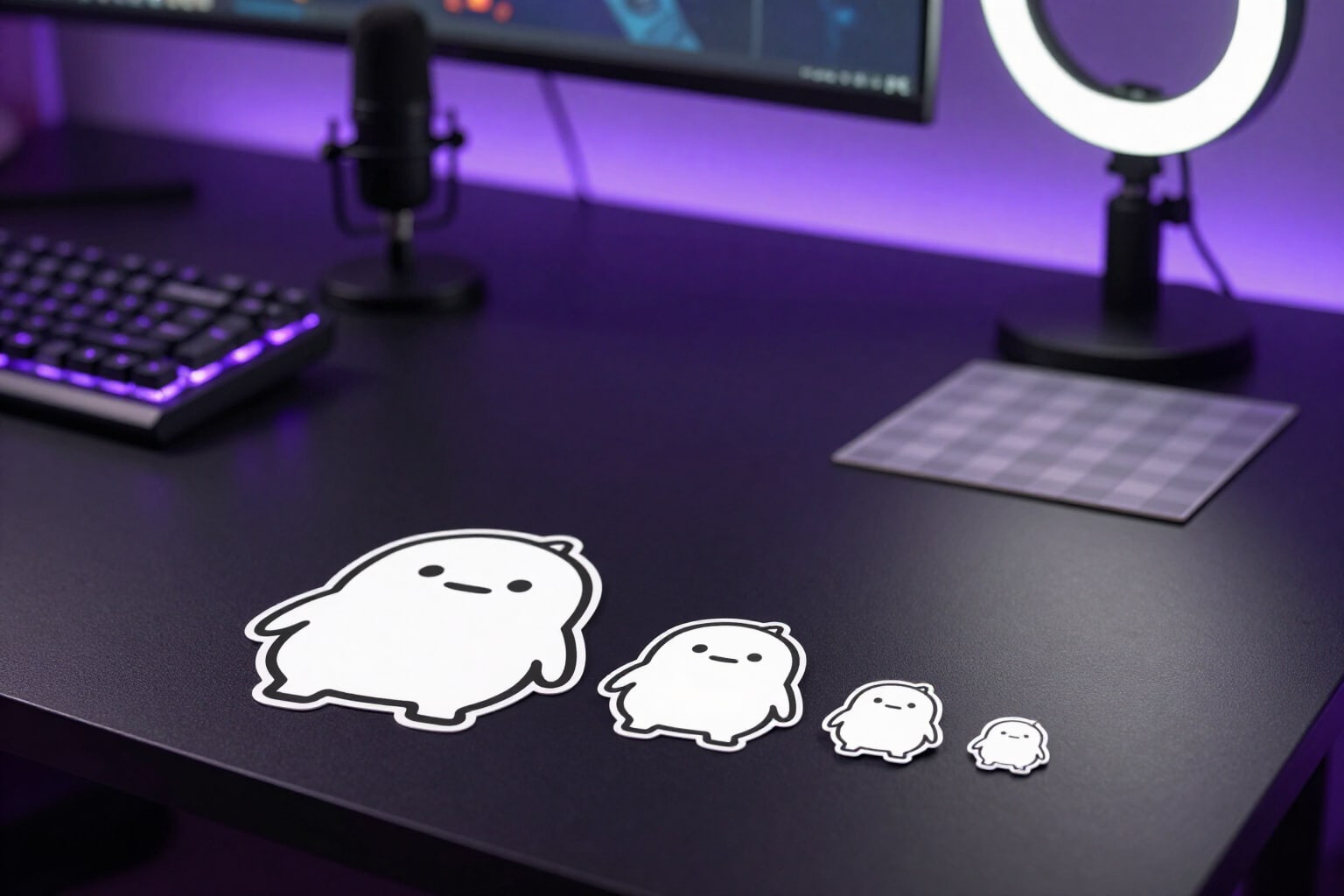
Twitch Emotes 112, 56, and 28 px with transparent background
Generate Twitch emotes and download the three PNGs required by the platform: 112, 56, and 28 px with true transparency, without white fringe, with stepped downscaling, and legibility control at 28 px.
Try it free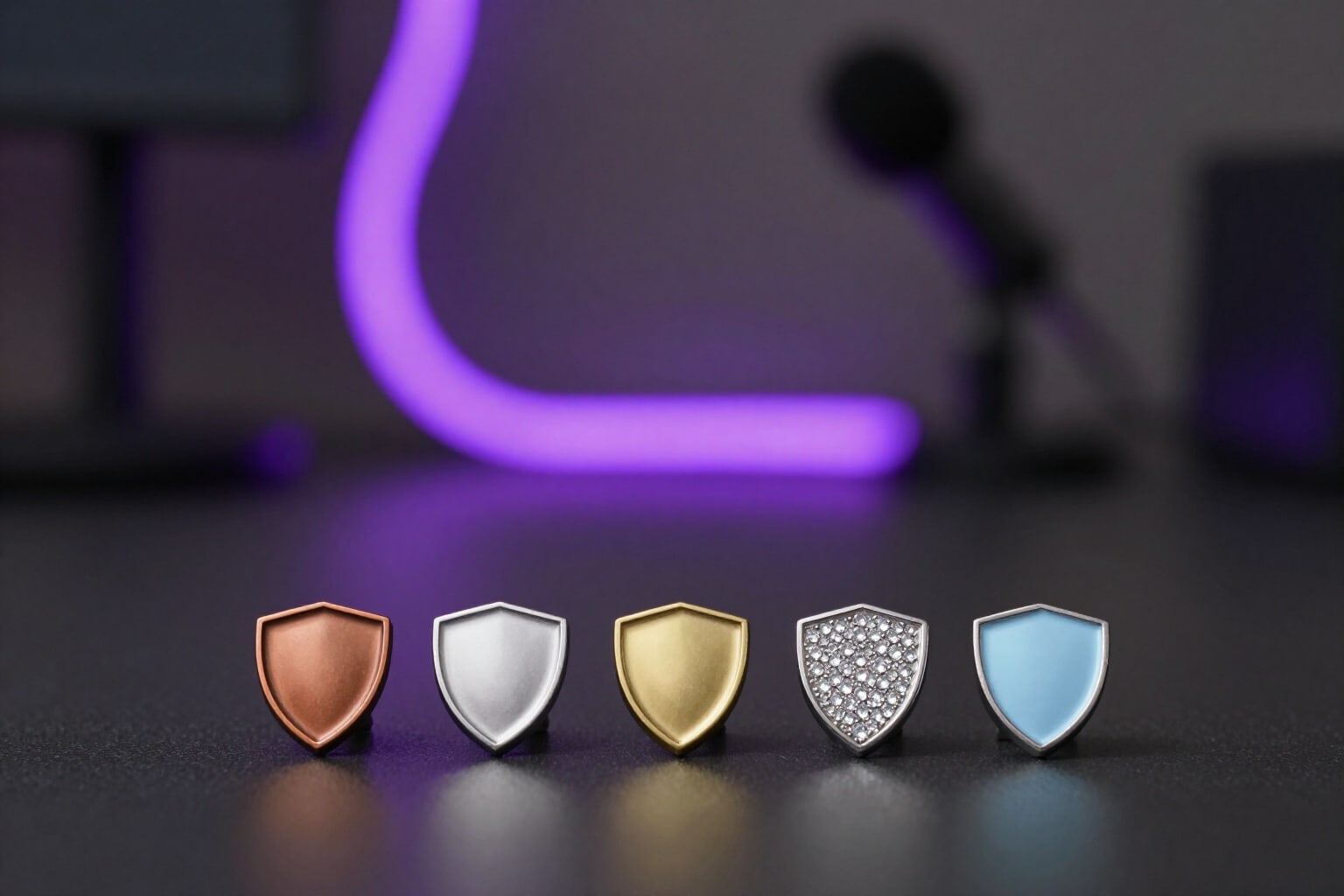
Twitch Subscriber Badges by Month (72, 36, and 18 px)
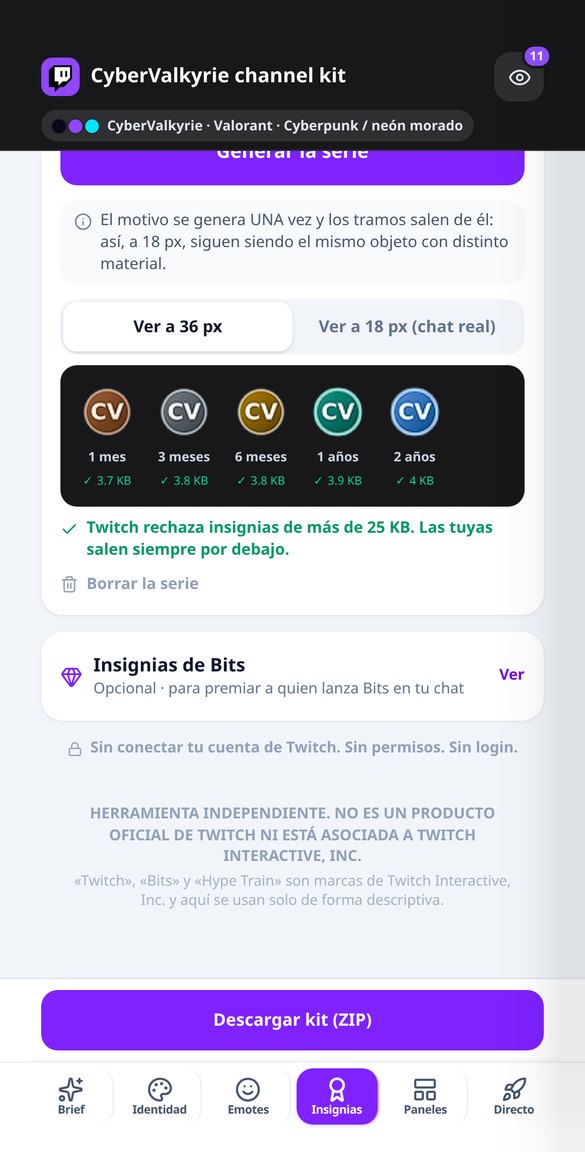
Create the complete series of Twitch sub badges: 1, 3, 6, 12, and 24 months from a single motif, in 72, 36, and 18 px, under 25 KB, and with a warning if two tiers look alike at 18 px.
Try it free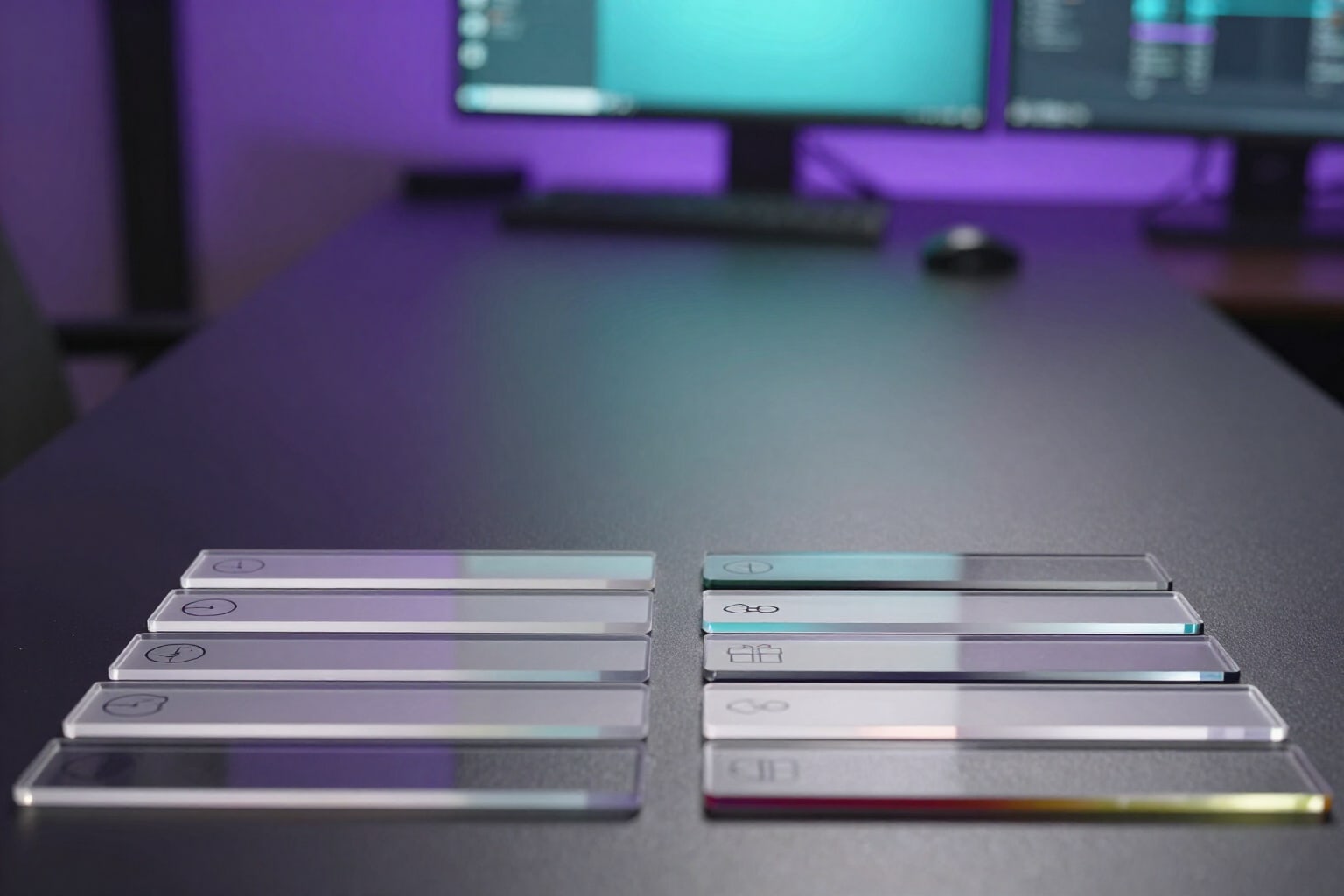
Twitch Panel Headers at Exact 320 px (with @2x)
Generate your Twitch panel headers at exact 320 × 100 px: one pictogram per panel, lettering in your channel's language, your color palette, and the @2x version. Free and without using AI quota.
Try it free
Twitch Chat Rules: Short List and Panels with Consequences
Generate your Twitch channel’s chat rules: 5 one-line rules for the chat notice and 8-10 for the panels, including notice, timeout, and ban, in your chosen tone and channel language. Free.
Try it free
Twitch Stream Title Generator (Max 60 Characters)
Get five titles for your Twitch stream, one for each hook formula, with a 60-character counter so mobile devices don’t truncate them. Edit and copy them. Free and no account connection needed.
Try it free
Twitch Bot Commands: Exact Nightbot Line and More
Generate your Twitch channel's commands with the ready-to-paste line: !addcom for Nightbot, !command add for StreamElements, or !addcmd for Moobot, with the correct uptime, game, and followage variables. Free.
Try it freeEvery piece at its exact size — and actually measured
Tudo o que você gera pode ser revisado na tela antes de exportar, e sai em um arquivo que você pode usar fora do aplicativo.
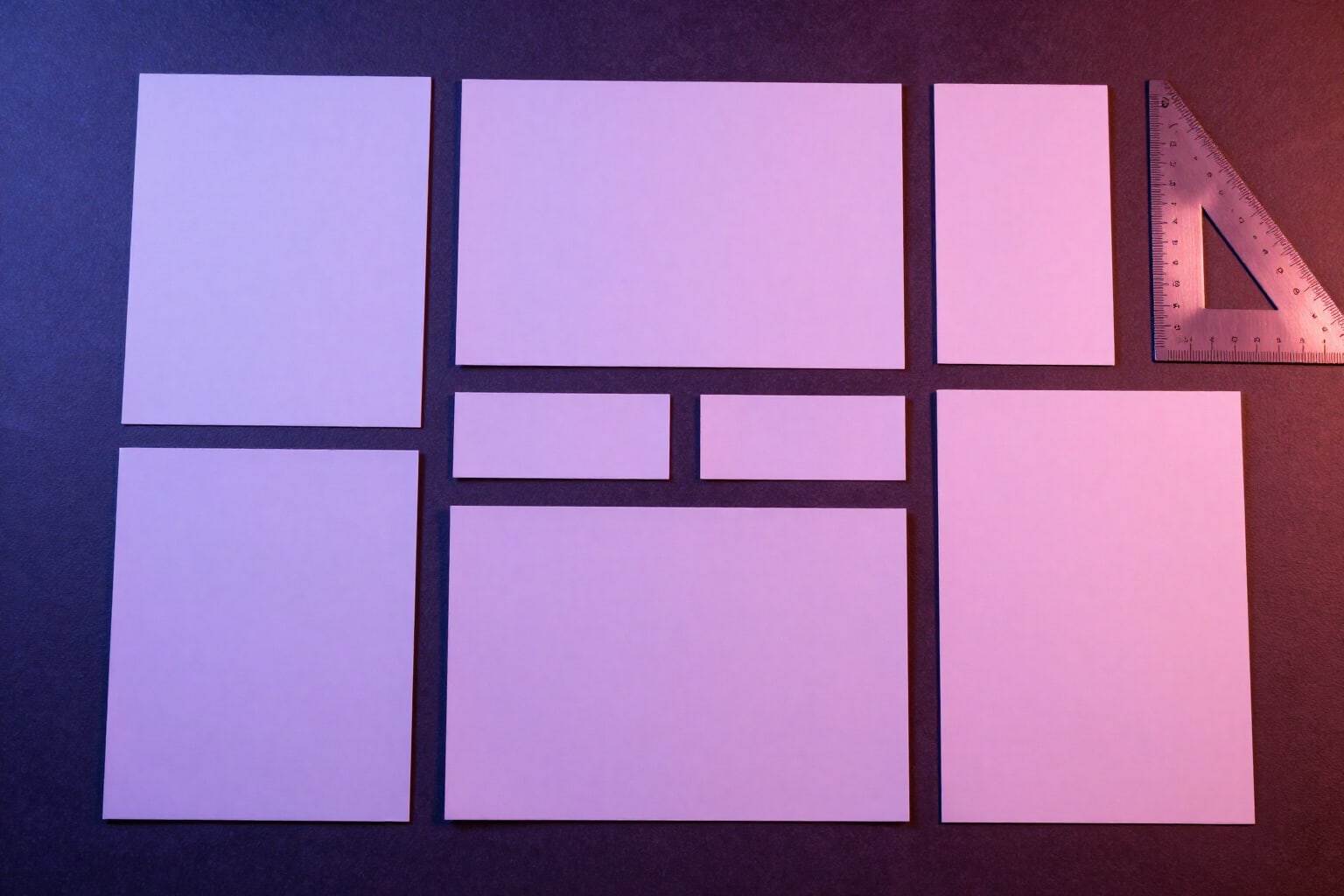
The whole channel dressed, not a single loose piece
Avatar 256x256, profile banner 1200x480, offline screen 1920x1080, the three live screens —Starting Soon, BRB, and Ending—, webcam frame with a genuinely transparent center in 16:9 and 4:3, panel headers at 320 px (with a 2x version for high-density screens), VOD thumbnail 1280x720, and vertical 1080x1920 assets for clips. The preview overlays Twitch UI masks, so you see what the floating avatar, the follow button, or the mobile crop covers up.
Emotes and badges in all three sizes
Each emote comes out at 112, 56, and 28 px with clean alpha, and you see it at a true 28 px next to the large one and inside a chat line in dark and light mode, which is where you find out a black outline disappears. There are four themed packs with 22 reactions and whatever in-jokes you write. Subscriber badges (seven tiers, 1 to 24 months) and Bits badges (eight tiers, 1 to 100,000) come out at 72, 36, and 18 px, derived from the same motif so they're recognizable at 18 px, and always under 25,600 bytes: if a tier won't come down, it gets marked as an error instead of handing you a file Twitch will reject.
Your channel copy, not just the artwork
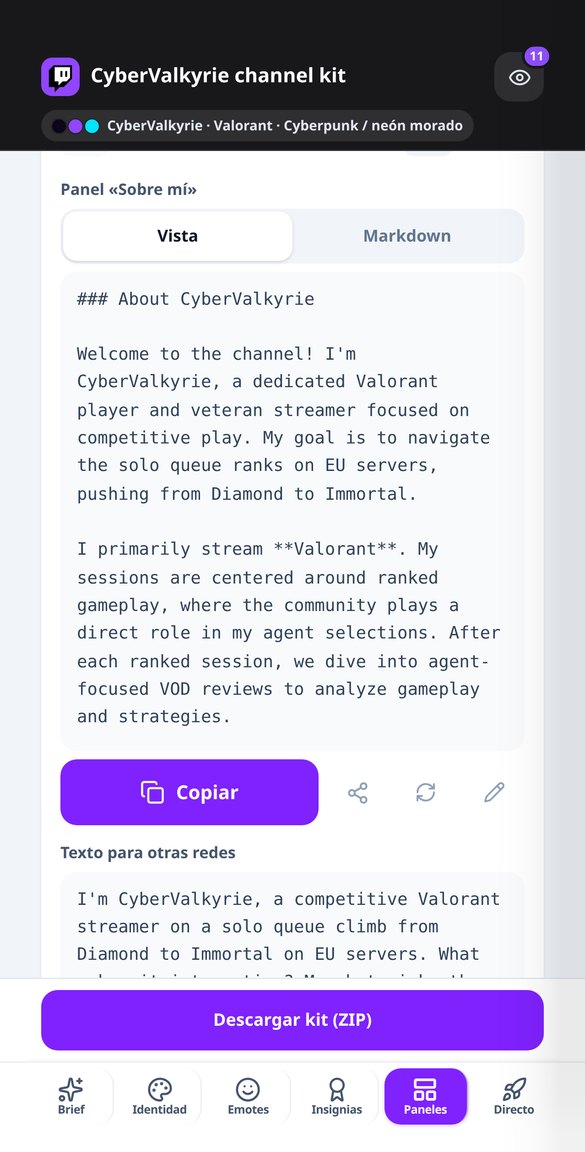
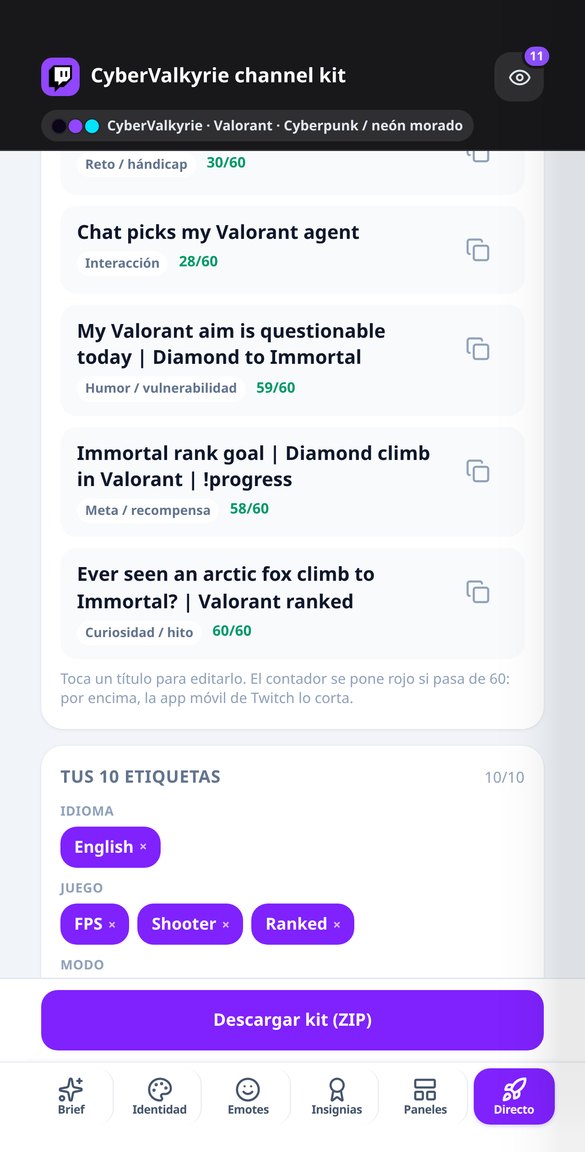
Three bio variants and the About Me panel, the chat rules (short five-rule version and long version with escalation from warning to timeout to ban), panel copy in the markdown Twitch actually supports — with a linter that strips HTML and fixes broken links —, five stream titles under 60 characters, ten tags spread across five axes, the schedule with its four outputs, commands with the exact add line for Nightbot, StreamElements, or Moobot, alert copy with StreamElements or Streamlabs variables, fifteen quick moderation replies in a friendly but firm tone, and the AutoMod sheet with its four filters. All in your channel's language, which doesn't have to be yours.
Three steps and your channel is dressed
Escolha o que você precisa
Baralho, ficha de gramática ou leitura. Idioma de estudo, seu idioma, nível A1–C1 e tema… ou escreva sua própria lista de palavras e seu próprio tema.
Revise na tela
É montado na hora e você corrige cartão a cartão ou exercício a exercício. Nada é exportado sem que você tenha aprovado.
Baixe e use
CSV para o Anki, PDF para imprimir, TXT ou ZIP com os áudios. Tudo fica salvo em «Meu material» para abrir de novo, renomear ou excluir.
Frequently Asked Questions
Your channel decked out this afternoon, not this month
Crie sua conta grátis e baixe seu material em CSV, PDF, TXT ou ZIP. Ferramenta independente, não afiliada à Duolingo, Inc.